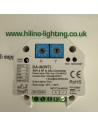
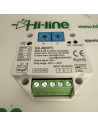
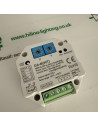
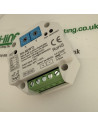
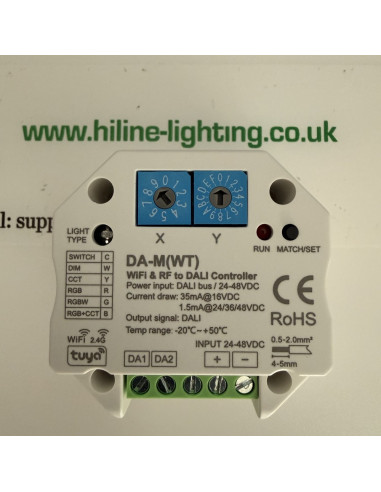
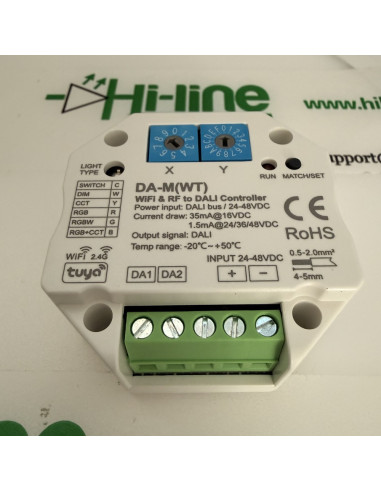
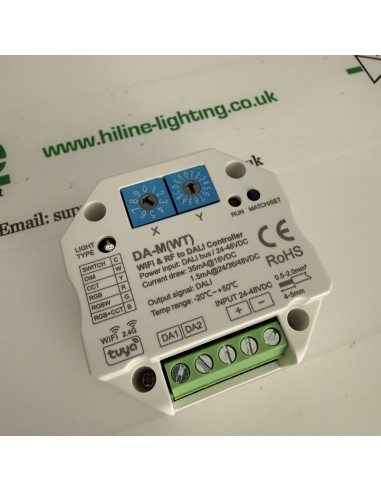
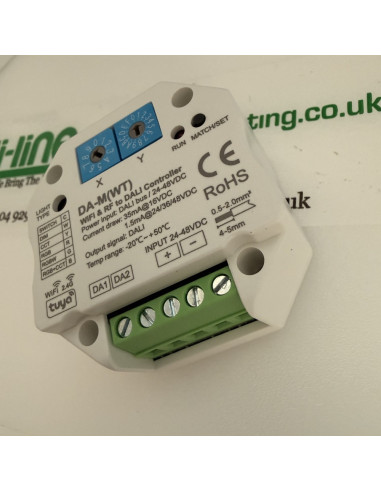
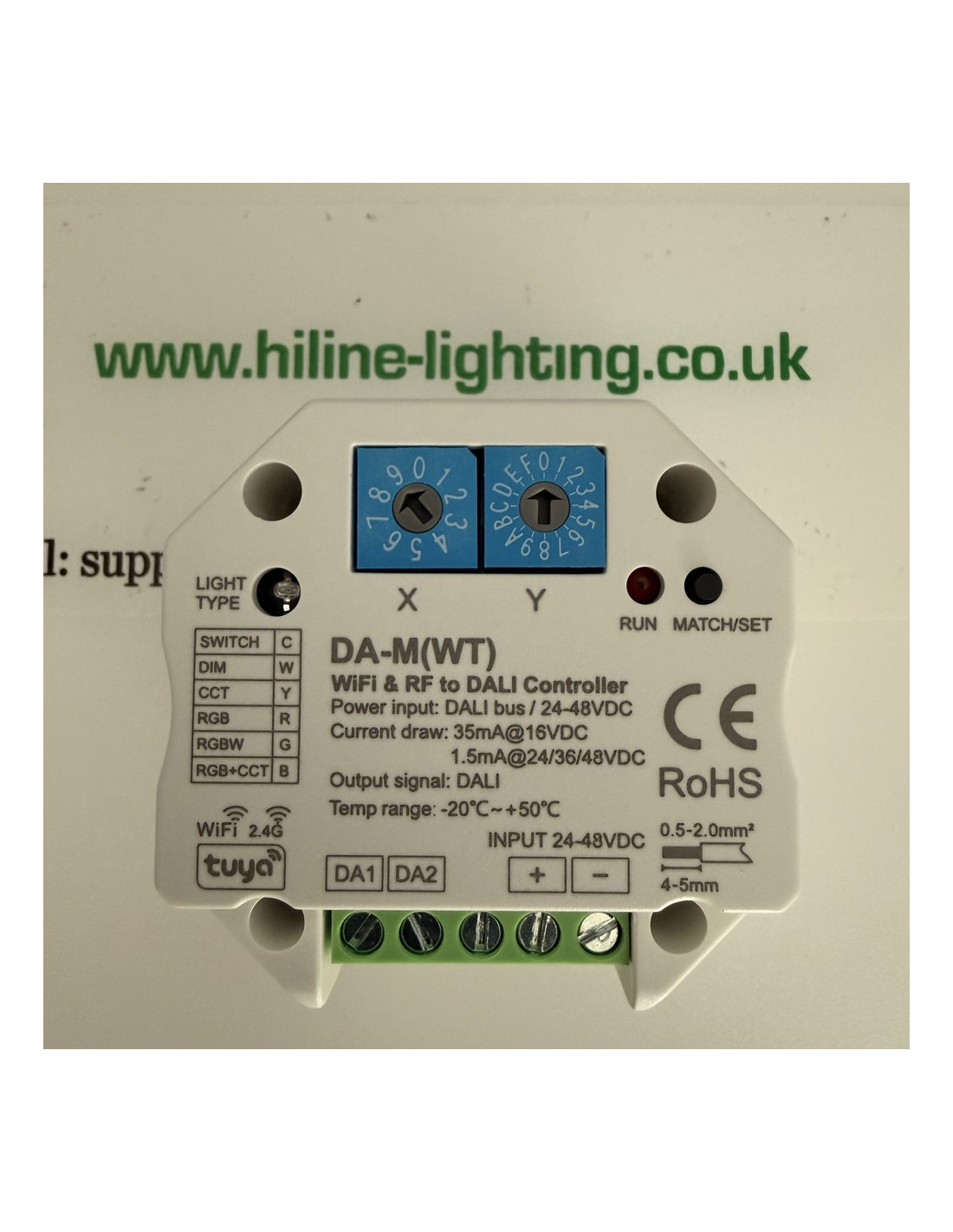
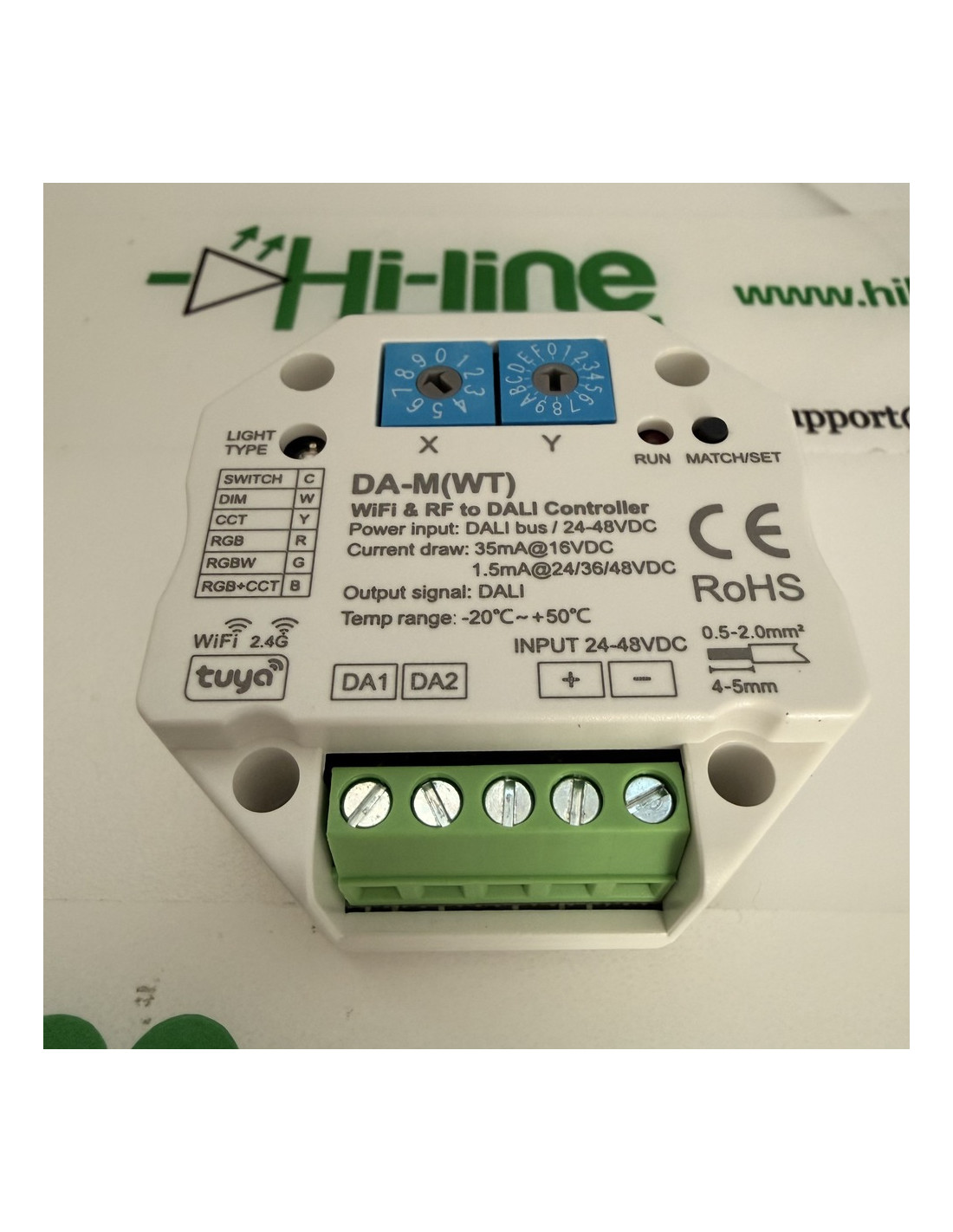
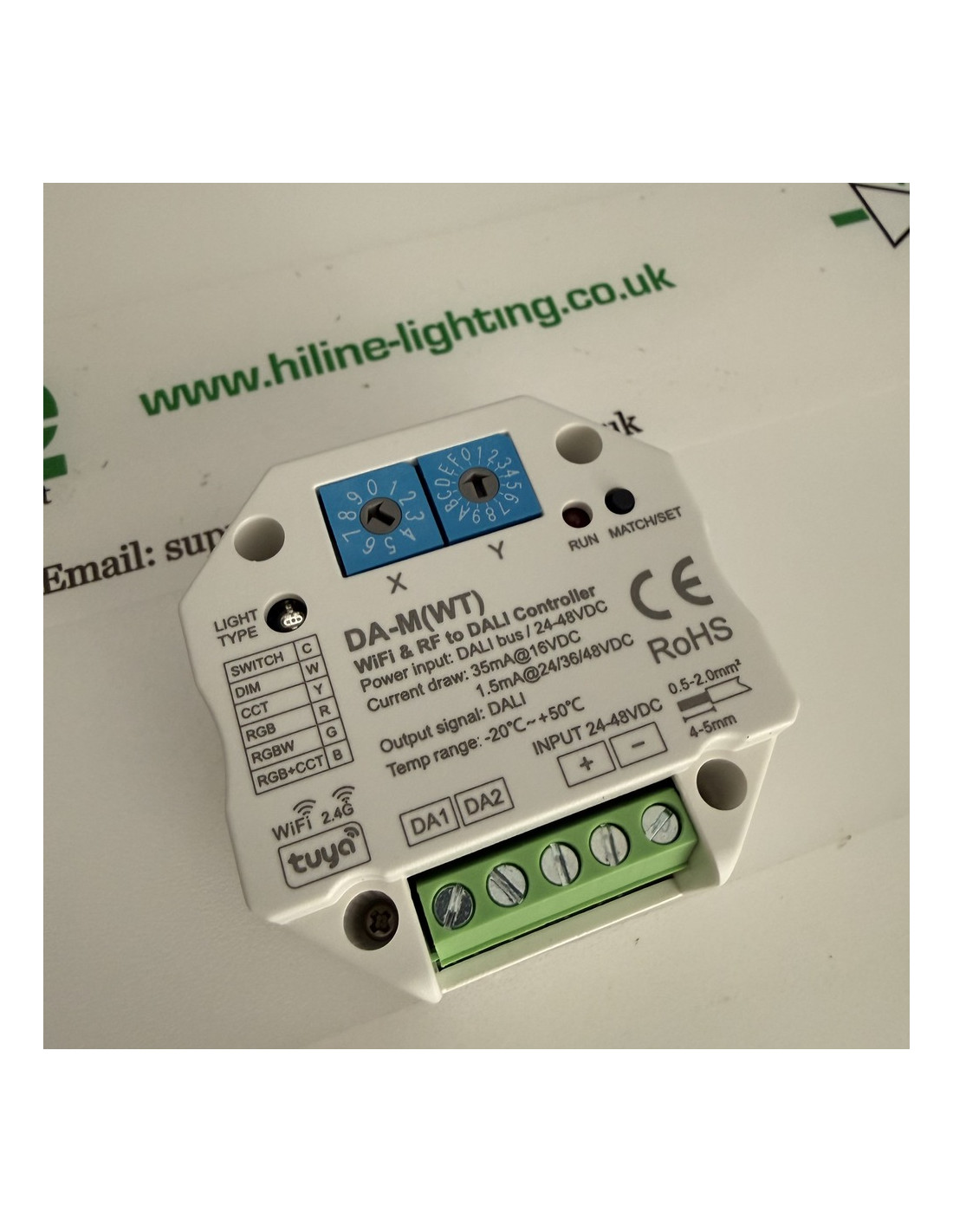
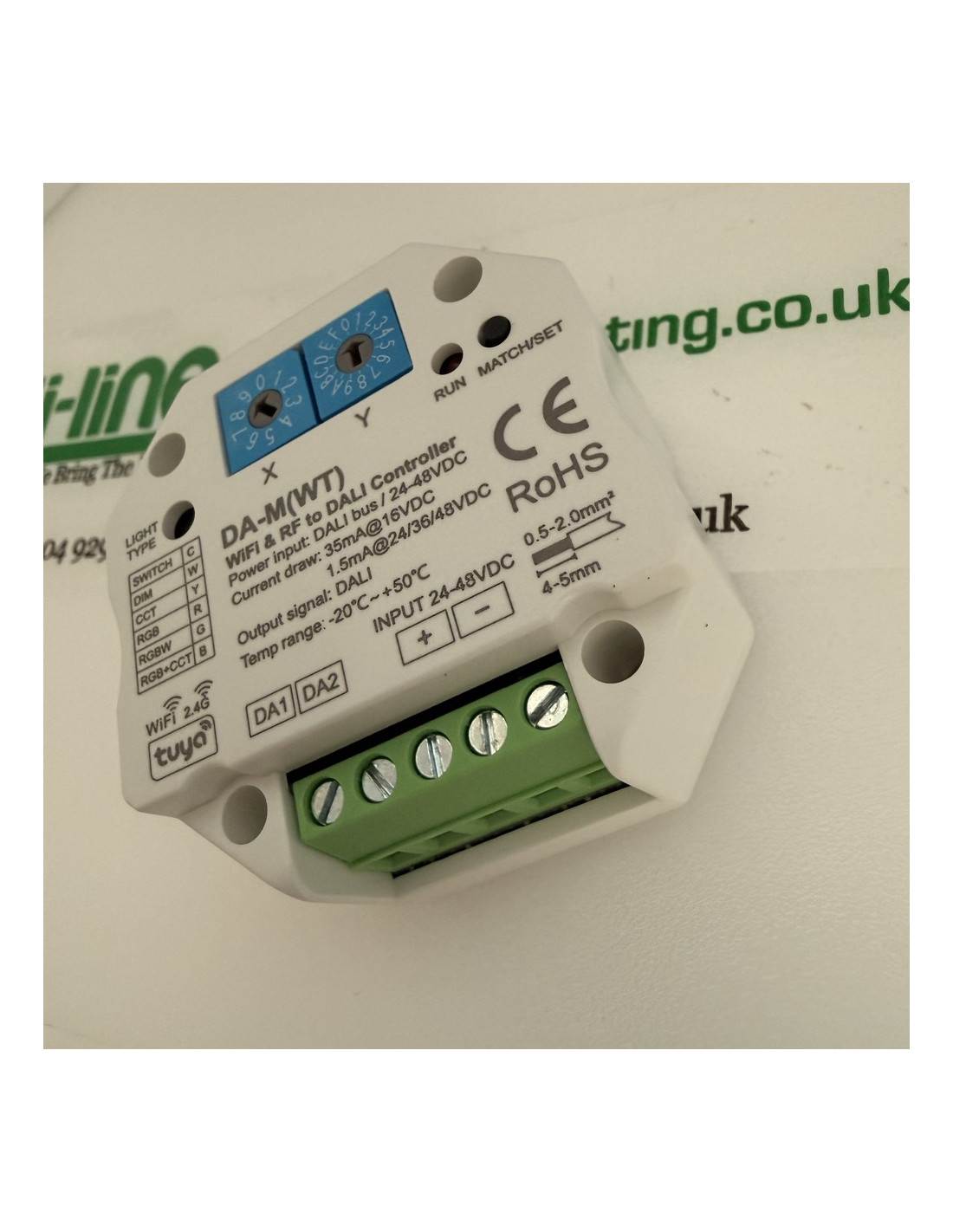
The DA-M(WT) converts 2.4 GHz Wi-Fi and 2.4 GHz radio into DALI commands. It occupies one short address and speaks to control gear. It does not supply the LED load. A DALI driver or a DALI dimmer on the bus does that, from its own lamp supply.
Power
Connect a 24 V DC constant-voltage supply to the marked +24 V and GND terminals. The label and the manual both state a static current of 2 mA at 24 V DC. The manual also states that this model must not be powered from the DALI bus, because the Wi-Fi module draws more than a bus supply can provide. Do not use the 2 mA static figure as the size of the 24 V supply while Wi-Fi is operating. The manual gives no second, higher running current.
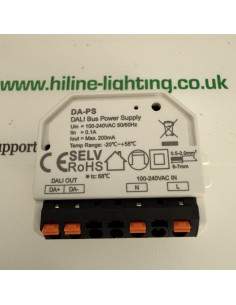
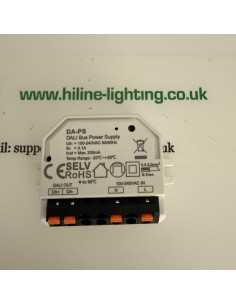
The DALI line that this converter addresses still needs exactly one bus supply. This unit does not provide it. HL-DA-PS is a 200 mA, 16 V bus supply for that line. Do not put a second bus supply on the same line.
What it commands
One DALI address. The manual lists DT6 dimming, DT8 tunable white, DT8 RGB, DT8 RGBW and DT7 switching, to IEC 62386-101, 102, 207, 208 and 209. Six operating modes are selected on the unit:
- Single colour, indicator white
- Tunable white, indicator yellow
- RGB, indicator red
- RGBW, indicator green
- RGB and tunable white, indicator blue
- Switch, indicator cyan
Hold Match/Set for 2 s to step through the modes. Choose the mode before the phone app is paired. For colour types the manual describes ten dynamic scenes, including jumps and fades, called from the app.
Address
Two rotary switches, X and Y. The address value is X × 10 + Y.
- Unicast 0 to 63: X is 0 to 6 and Y is 0 to 9. Example: 40 addresses gear 40.
- Group 0 to 15: X is 7 and Y is 0 to F. Example: 75 is group 5.
- Broadcast: X is 9 and Y is 0 to F, codes 90 to 9F.
Radio and the phone
Wi-Fi is 2.4 GHz only. A 5 GHz network is not used. Keep the unit within a reliable 2.4 GHz path of the router, and do not hide the network name. Radio range is stated as 30 m in open air. Walls reduce it. Measure it on site. An optional 2.4 GHz handset can be paired to the same light type.
To clear the previous network and open pairing, press Match/Set twice, or hold it for 5 s, or switch the 24 V supply off and on five times. The RUN indicator then flashes. Bluetooth control, where the phone offers it, works only after Wi-Fi has been configured. The app provides on/off, level, colour, colour temperature, scenes, a 24-hour timer, schedules, and a music input from the phone player or the microphone.
To pair a handset, short-press Match/Set and at once press the handset on/off or zone key. The indicator flashes when the pair is stored. Alternatively, switch the supply off and on twice, then press the handset key three times. Holding Match/Set for 10 s deletes every paired handset. The same delete is five handset presses after two supply restarts.
Housing
- Body on the drawing: 52 × 52 × 27 mm. Carton on the sheet: 60 × 60 × 40 mm. Weight 0.060 kg.
- Terminals 0.5 to 2.0 mm². Strip length 4 to 5 mm. Observe the 24 V polarity. Connect the bus to DA1 and DA2.
- IP20, for indoor use. Ambient −20 °C to +50 °C. Maximum case temperature +55 °C.
Standards and warranty
The manual lists EN 61347-1, EN 61347-2, EN IEC 55015, EN IEC 61547, ETSI EN 301 489-1/-3 and ETSI EN 300 440, and marks the unit CE and RoHS. Warranty 5 years. This is the Wi-Fi model. It is not the radio-only model and it is not the Zigbee model.