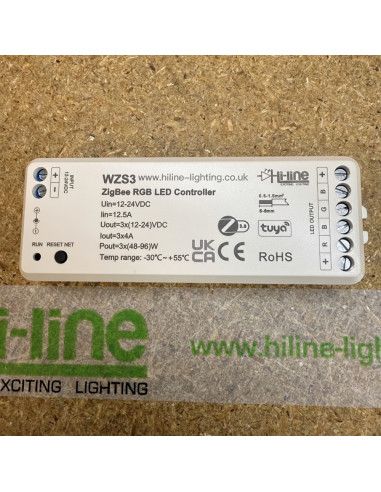
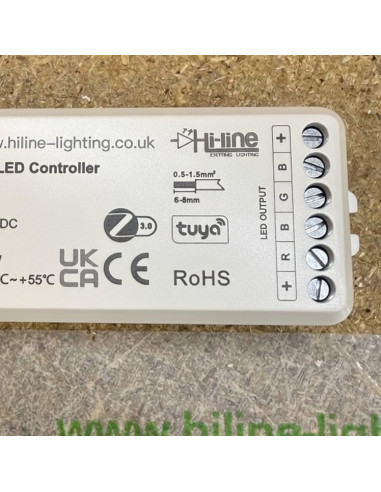
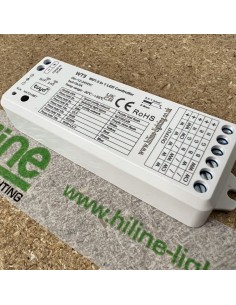
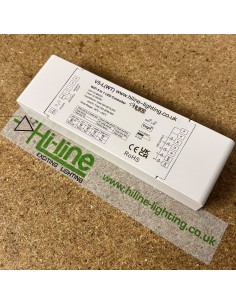
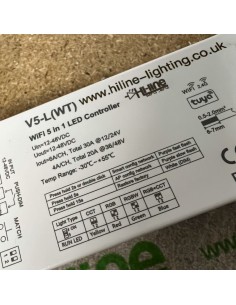
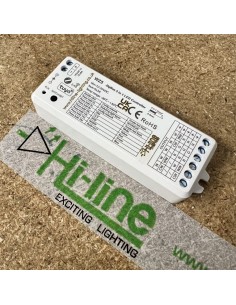
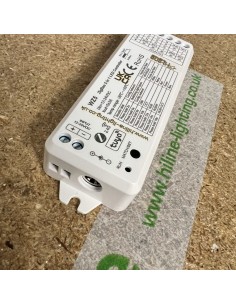
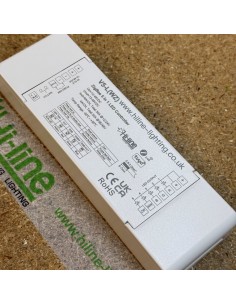
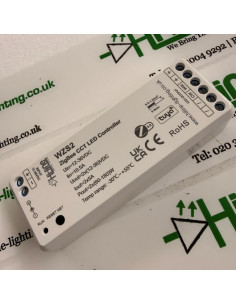
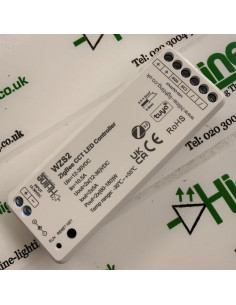
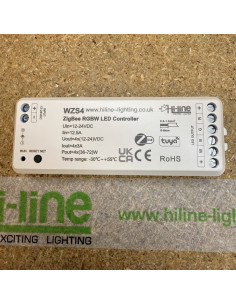
HL-WZS3 — ZigBee 3.0 RGB constant-voltage controller
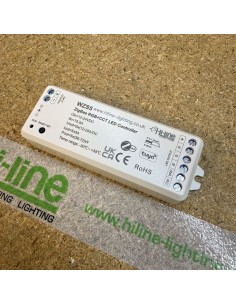
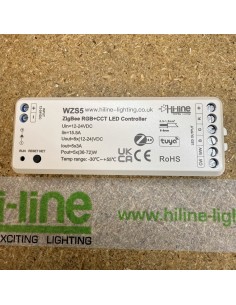
This listing is the three-channel RGB model in the Hi-Line WZS ZigBee series. Use it on a common-anode RGB LED strip (four wires: +V, R, G, B) at 12 V or 24 V DC. It is not a WiFi box, and it is not an RF receiver. The phone talks to it only through a ZigBee 3.0 gateway (Tuya / Smart Life, or a Philips Hue bridge). Push-dim and 2.4 GHz remotes from the Hi-Line RF range will not pair to this unit.
Buy this when
- The project is already a ZigBee mesh (Tuya ZigBee, Hue, Home Assistant ZHA / Zigbee2MQTT) and you want RGB tape on that same network.
- You need a small, dedicated RGB PWM receiver with 16-bit dimming and mesh repeating (up to 15 hops).
- You do not need a handheld RF remote or a 2.4 GHz glass wall panel on this circuit.
Why ZigBee rather than WiFi
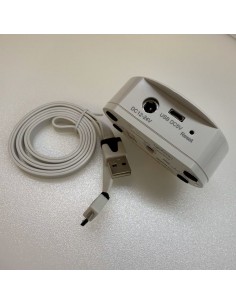
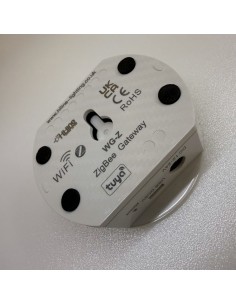
ZigBee keeps the lighting off the customer’s 2.4 GHz WiFi. Devices form their own mesh, so a long run of controllers can hop through each other. The cost is the hub: without HL-WG-Z (or a Hue bridge already on site) there is no app, no Alexa / Google, no scenes from the phone. RF remotes from the R8 / RS4 / T14 families will not talk to a pure WZS receiver. If the client wants a physical remote in the room and no extra hub, pick a WT (WiFi+RF) controller from Related products.
How people control it
- Tuya Smart / Smart Life via a Tuya ZigBee gateway: press RESET/NET five times (or power-cycle five times) until the output blinks, then add the device. In the app it appears as ZBS-RGB.
- Philips Hue via a Hue bridge — on/off, colour and brightness in the Hue app.
- Alexa / Google once the Tuya or Hue device is linked.
- Optional ZigBee scene panels / ZigBee remotes on the same gateway — not 2.4 GHz RF panels.
Once on the gateway you get colour wheel, brightness, up to eight colour shortcuts, eight scenes, timers, schedule, sleep / wake, biorhythm and music sync from the phone.
Wiring and load — read this before you size the driver
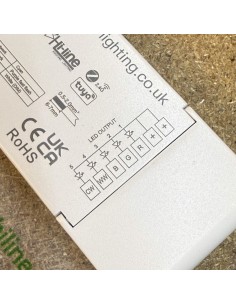
- Input: 12–24 V DC constant voltage only. Do not feed 36 V (that voltage is for WZS1 / WZS2, not this RGB model).
- Output: 3 channels × 4 A (common anode). Total input budget 12.5 A.
- Power: 3 × 48 W at 12 V or 3 × 96 W at 24 V (144 W / 288 W total).
- Match the driver voltage to the strip. Size the driver for strip watts × metres × about 1.2 headroom, and stay inside 4 A per colour.
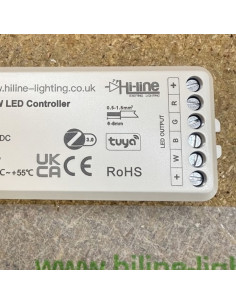
- DC barrel jack and screw terminals for +V / 0 V in; R / G / B out. Observe polarity. Indoor IP20.
Technical summary
- SKU: HL-WZS3
- Light type: RGB constant-voltage LED strip (3 PWM channels)
- Input / output: 12–24 V DC | 3 × 4 A | PWM 2 kHz
- Dimming: 0–100 %, 65,536 levels (16-bit), linear curve
- Control: ZigBee 3.0 mesh, up to 30 m open space
- Size: 114 × 38 × 20 mm | IP20 | Ta −30 °C to +55 °C | Tc max +85 °C
- Approvals: UKCA, CE, EMC, RED
- Standard warranty 3 years; extended cover up to 7 years on engineering approval
WZS series
- WZS1 — single colour | WZS2 — CCT dual-white | WZS3 — RGB (this page) | WZS4 — RGBW | WZS5 — RGB+CCT
Related products and the PDF
Open the Related products tab for the ZigBee gateway, the WiFi/RF alternatives, and the other WZS models. The user manual (wiring, pairing, app screens) is on the Attachments tab — stamped Hi-Line Lighting, www.hiline-lighting.co.uk.
If you are unsure whether the site should be ZigBee or WiFi, email us the strip type (wires / SKU) and we will point you at the right controller before you buy.